Text-to-image composition
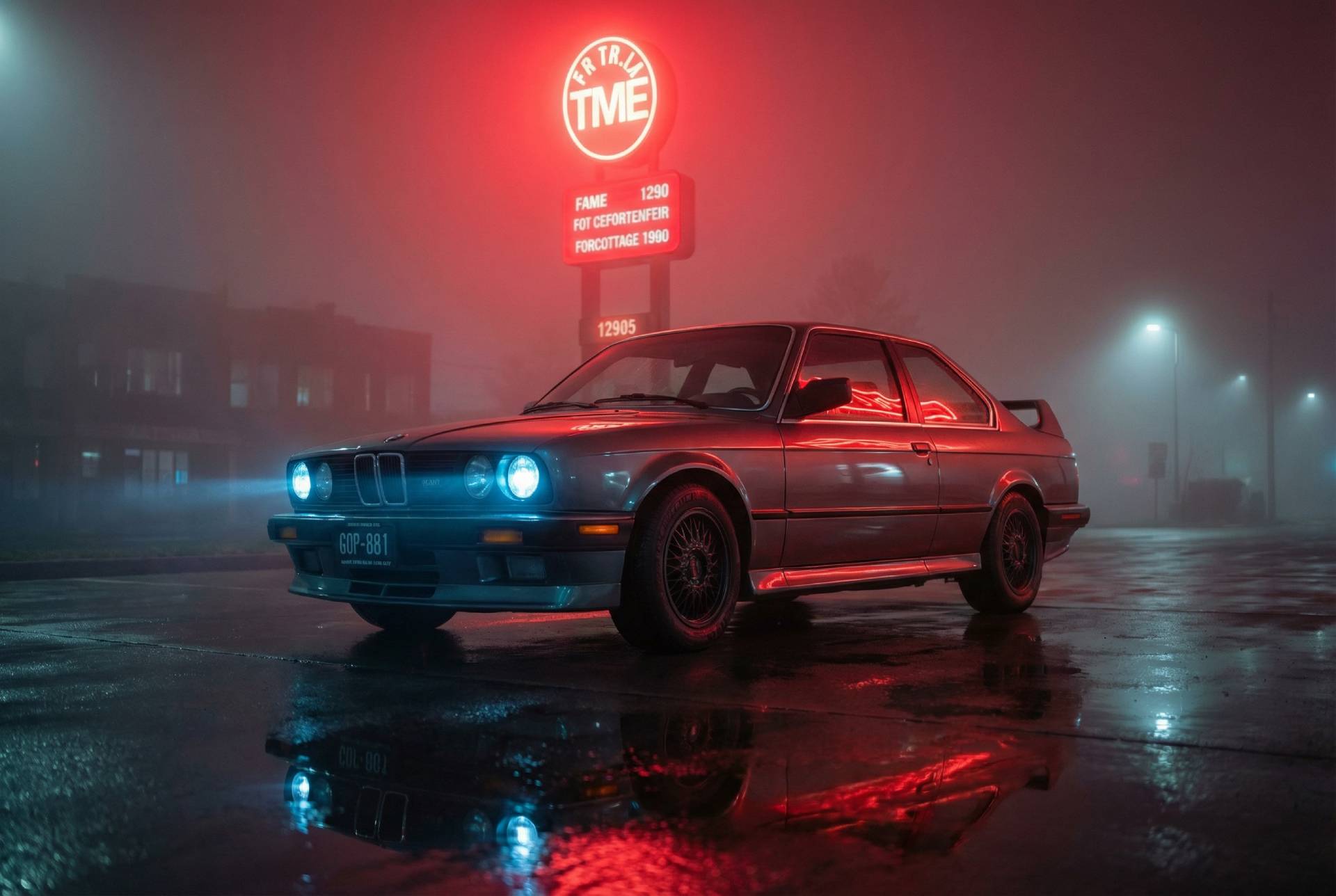
The model starts from the prompt, then resolves the subject, framing, lighting, and layout into an image that feels intentional rather than accidental.
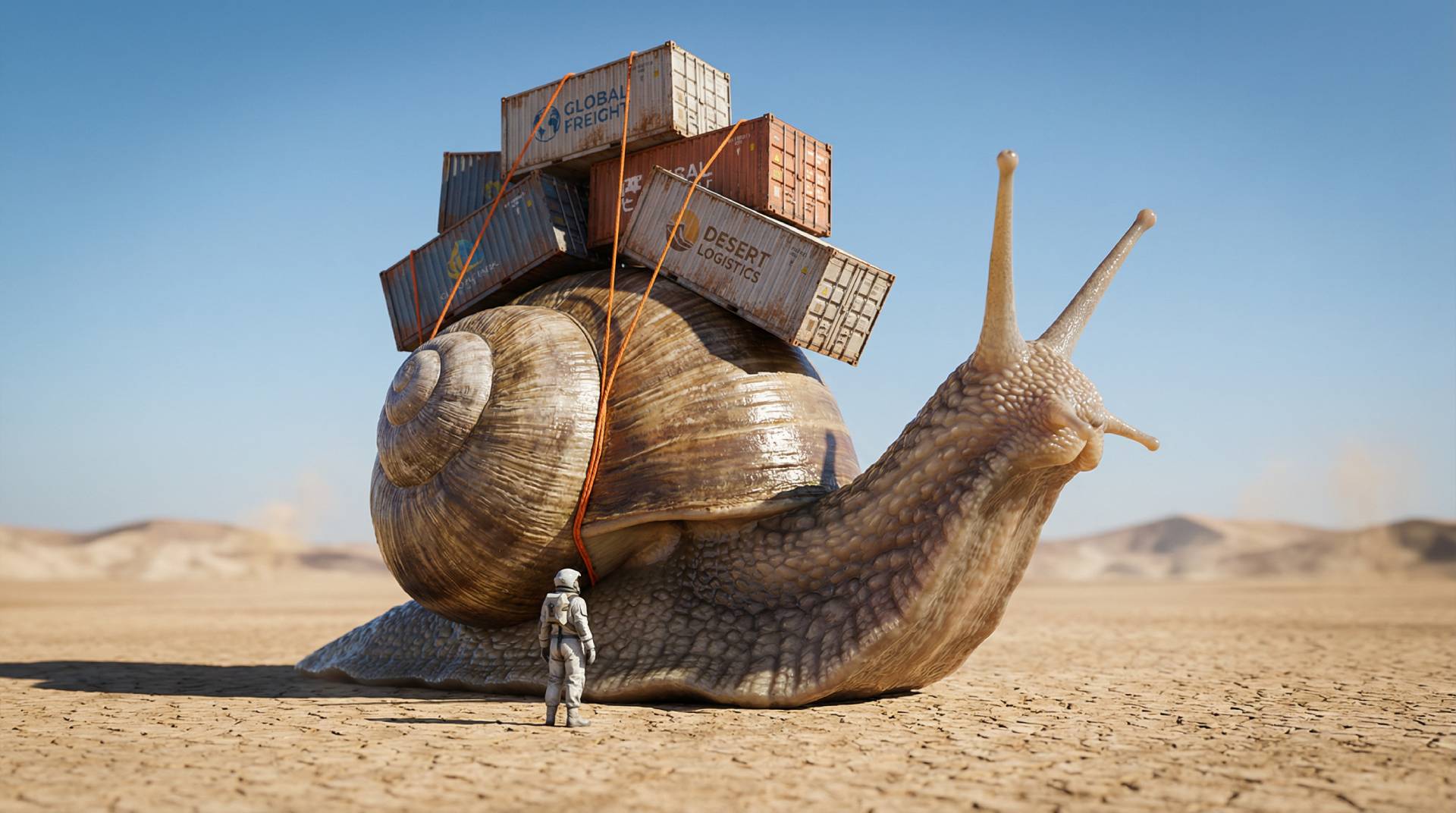
High-quality text-to-image generation with photorealism, detail, and clean composition.
Generate polished images from text prompts for creative, marketing, and product workflows.
Model
Text-to-image model
Rollout
Photorealistic output
Access
Detailed scene generation
MAI Image 2 is built to generate high-quality images from text prompts with strong adherence to the brief, clean composition, and polished visual output.
Its core strengths are photorealistic image generation, reliable in-image text, and rich scene detail. That makes it a fit for posters, slides, concept art, product visuals, storyboards, and other text-to-image workflows where the image must do real work.
Core strengths
The model is designed for creators and teams that need faster image generation without giving up clarity, control, or visual quality.
MAI Image 2 generates a broad set of image types, from photorealistic portraits and cinematic scenes to layouts that need readable text and tighter composition.
The model starts from the prompt, then resolves the subject, framing, lighting, and layout into an image that feels intentional rather than accidental.
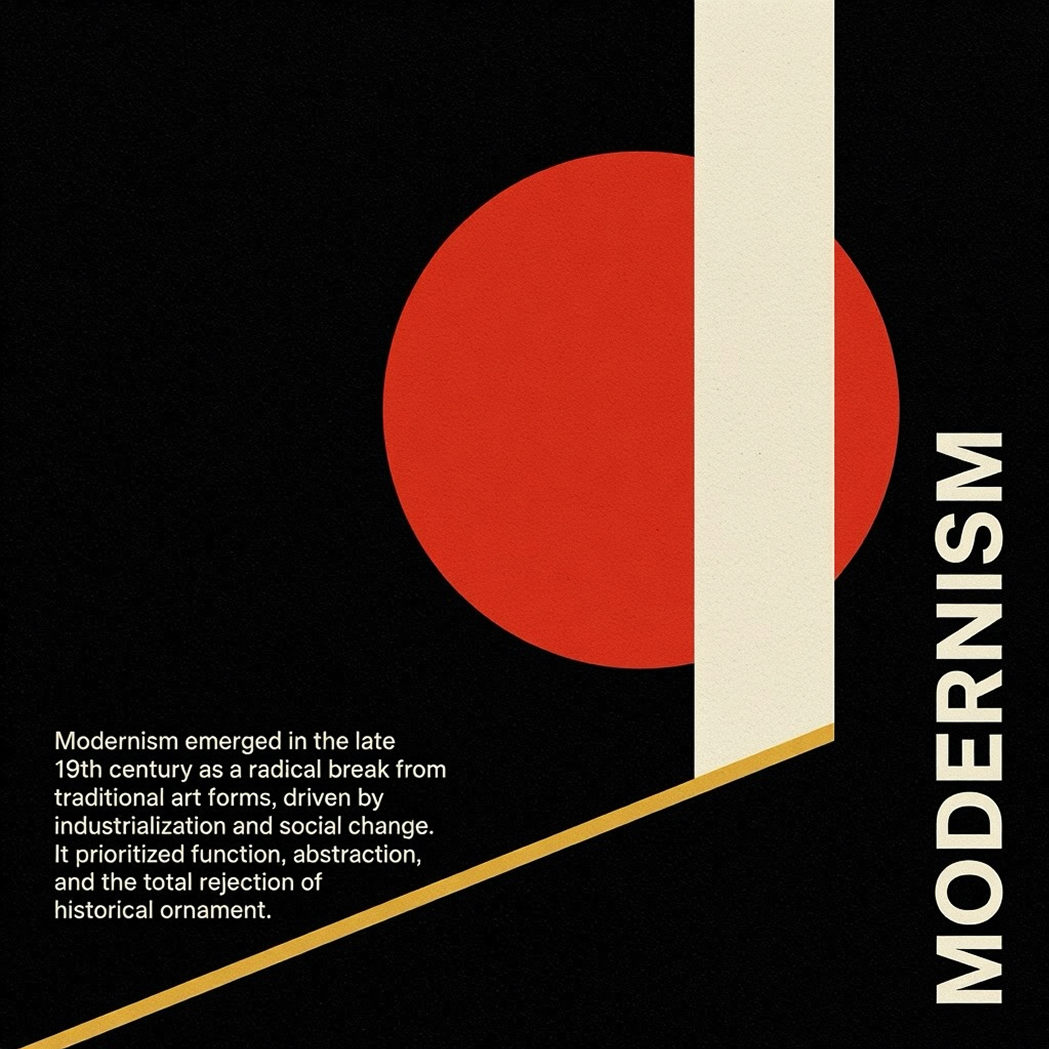
Use the model for posters, slides, mock ads, and diagrams where readable on-image text is part of the creative brief instead of an afterthought.
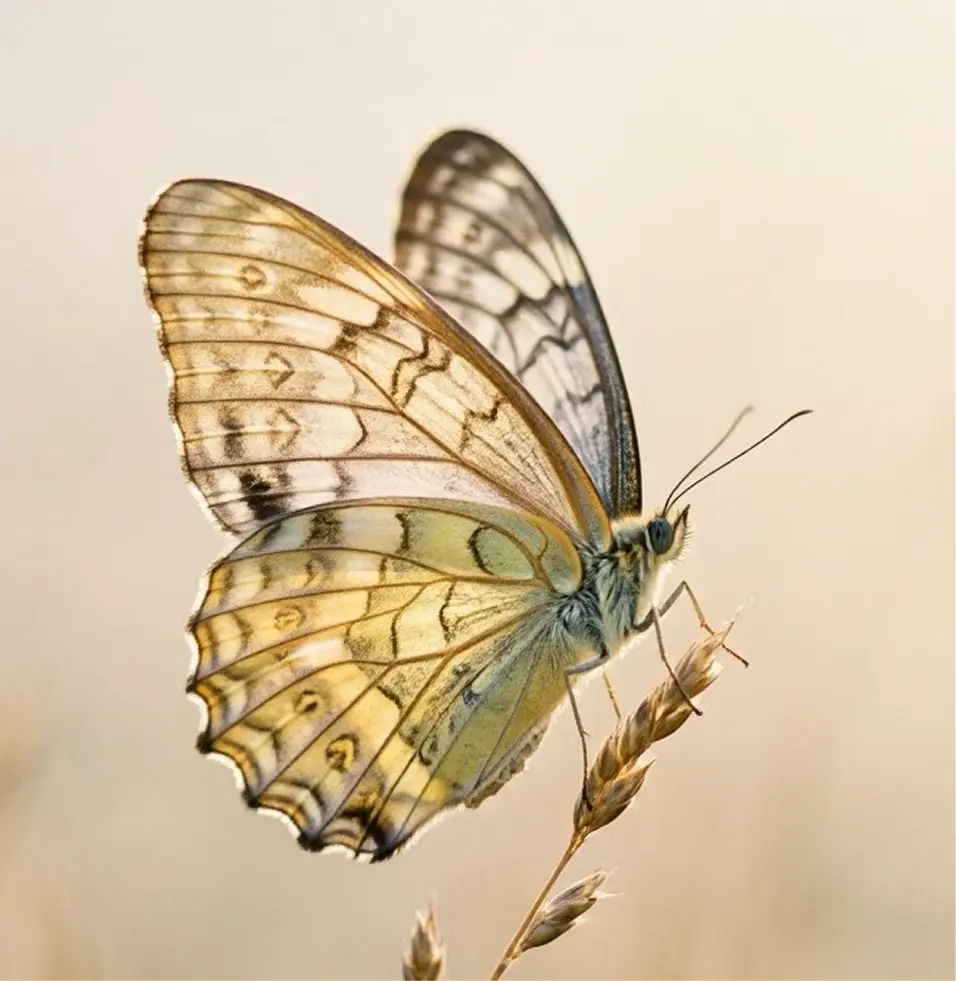
Great when you want richly detailed image structures, stronger texture, and a composition that still holds up after a closer look.
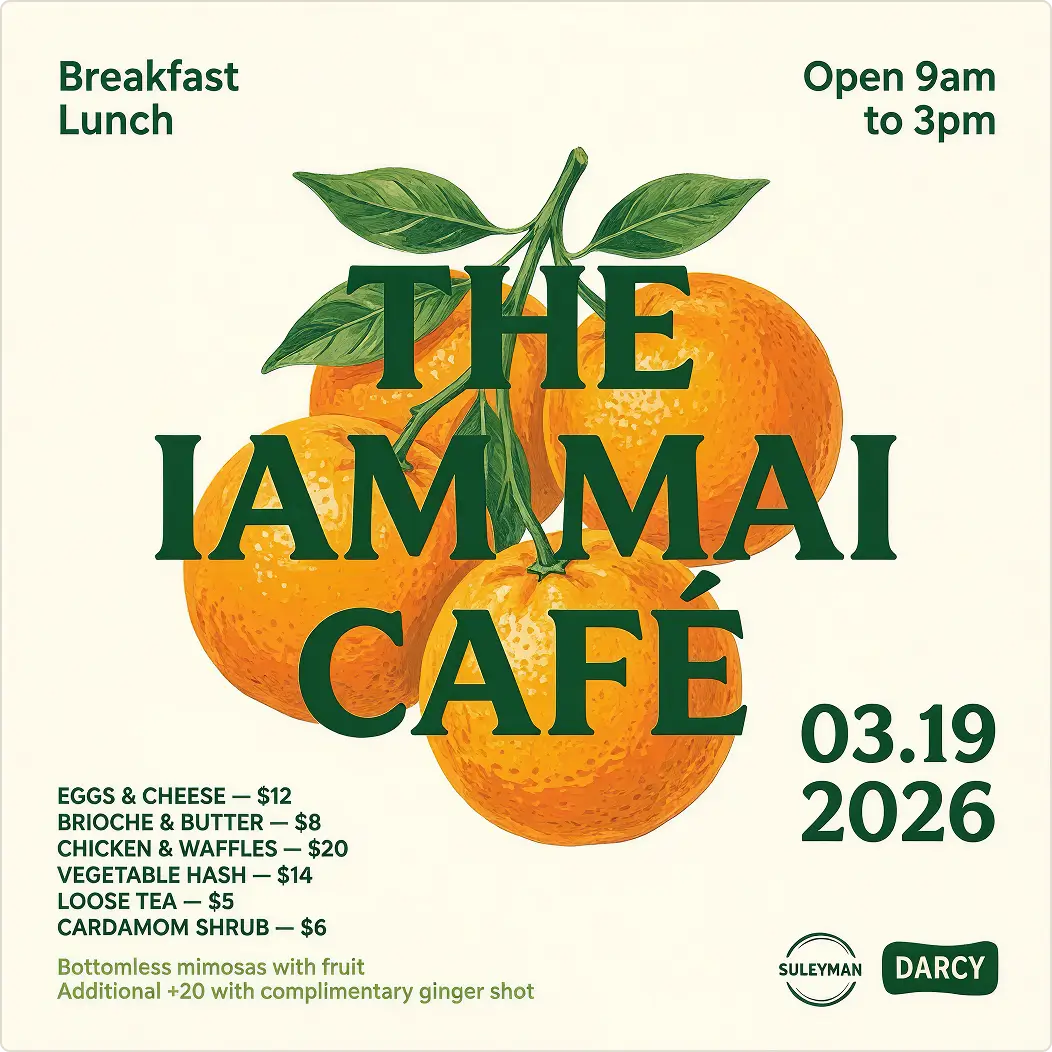
Product teams can move from prompt ideas to cleaner visual assets for landing pages, ad variants, and creative testing more quickly.
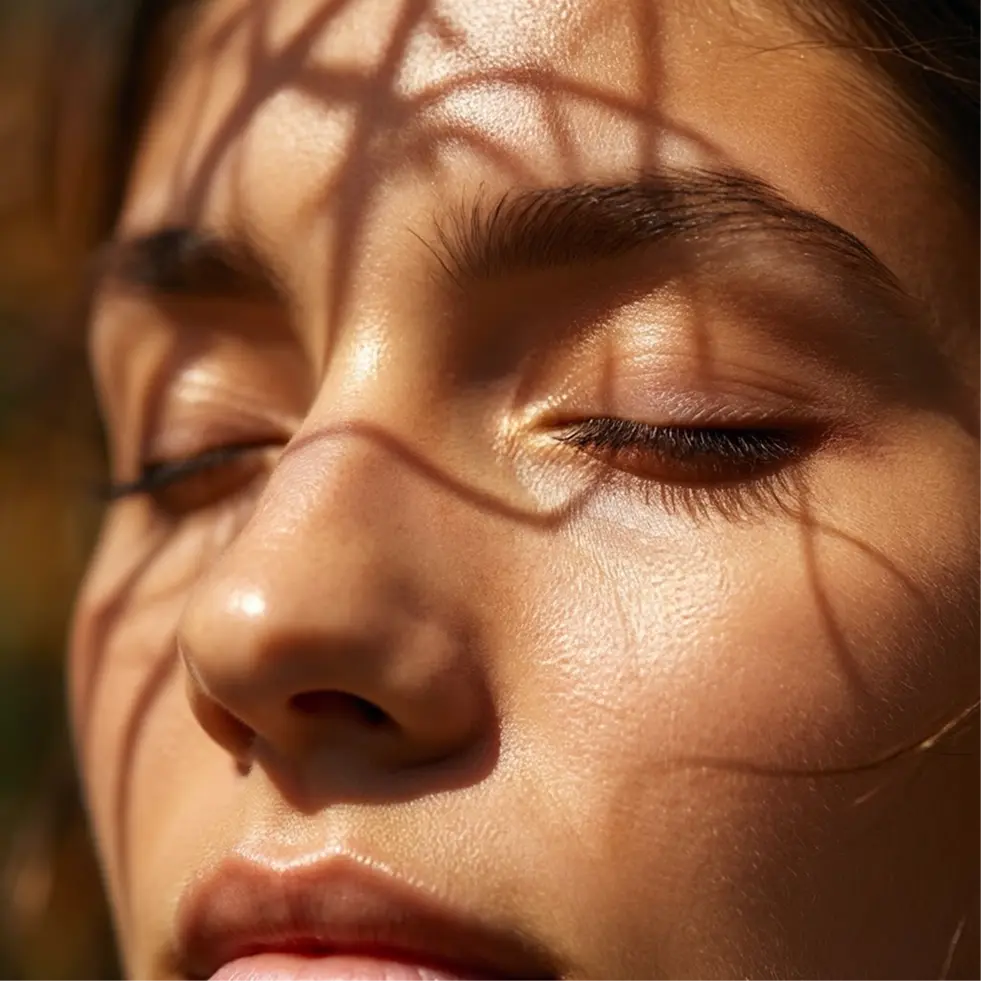
The broader workflow around MAI Image 2 can also support image improvement, reference-based creativity, and legacy-photo storytelling.
MAI Image 2 is tuned for creative work where prompt accuracy, polish, and visual fidelity matter.
01
Create natural-looking images with realistic light, believable environments, and accurate skin tones.
02
Produce posters, slides, signs, infographics, and diagrams with cleaner text placement and stronger prompt adherence.
03
Build cinematic, ornate, and surreal scenes that hold up in concept art, campaigns, and storyboards.
04
Move from text prompt to production-ready asset faster across creative teams, product teams, and developers.
Use a specific prompt, add the details that matter, and generate image options that can be reviewed or refined quickly.
01
Start with the subject, scene, style, camera angle, lighting, and any text that should appear inside the image.
02
Add constraints around realism, composition, typography, or mood to guide the model toward a stronger result.
03
Review the image output, refine the prompt, and use the result in marketing, product, or creative production.
The model is useful anywhere you need a strong text-to-image engine that understands layout, realism, and scene complexity.
01
Create posters, flyers, and social graphics with clear visual hierarchy and on-image typography.
02
Produce brand visuals, campaign concepts, and thumbnail ideas that look polished and on-message.
03
Generate slides, diagrams, and explanatory visuals with text that feels more usable in business workflows.
04
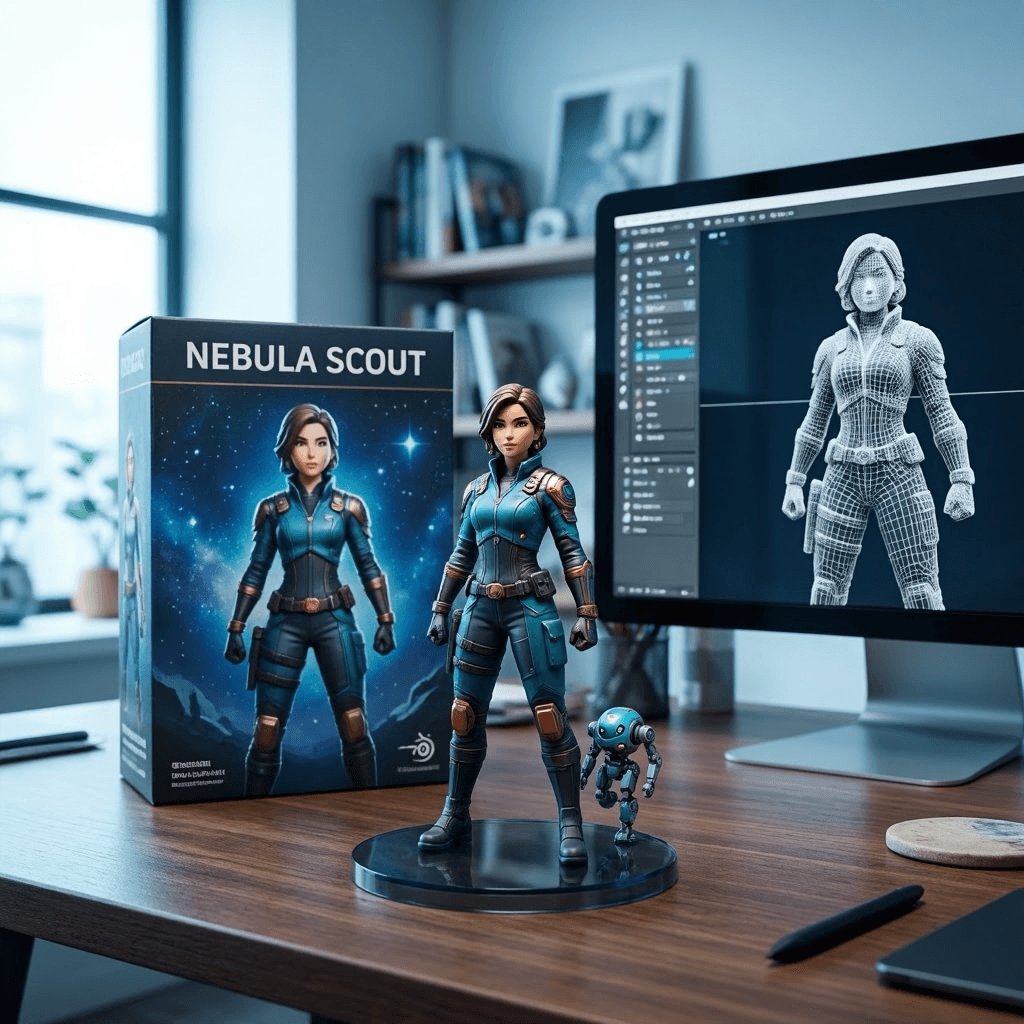
Turn abstract directions into cinematic scenes, character concepts, and richer visual narratives.
MAI Image 2 is a text-to-image model that generates high-quality images from text prompts.
It emphasizes photorealism, in-image text generation, and rich detailed scenes.
Yes. It is designed to support layout-heavy and text-heavy image tasks such as posters, slides, infographics, and diagrams.
Use specific prompts with subject, scene, lighting, style, composition, and any text that should appear in the image.
Yes. It works well for marketing, design, product, and content teams that need fast image concepts and polished visual drafts.
Yes. It is well suited to ad concepts, posters, product mockups, and presentation graphics.
You should expect prompt-driven image outputs that balance realism, detail, composition, and readable structure.
Prompt to image
Use the image generator to test prompt ideas and create outputs that are ready for review.