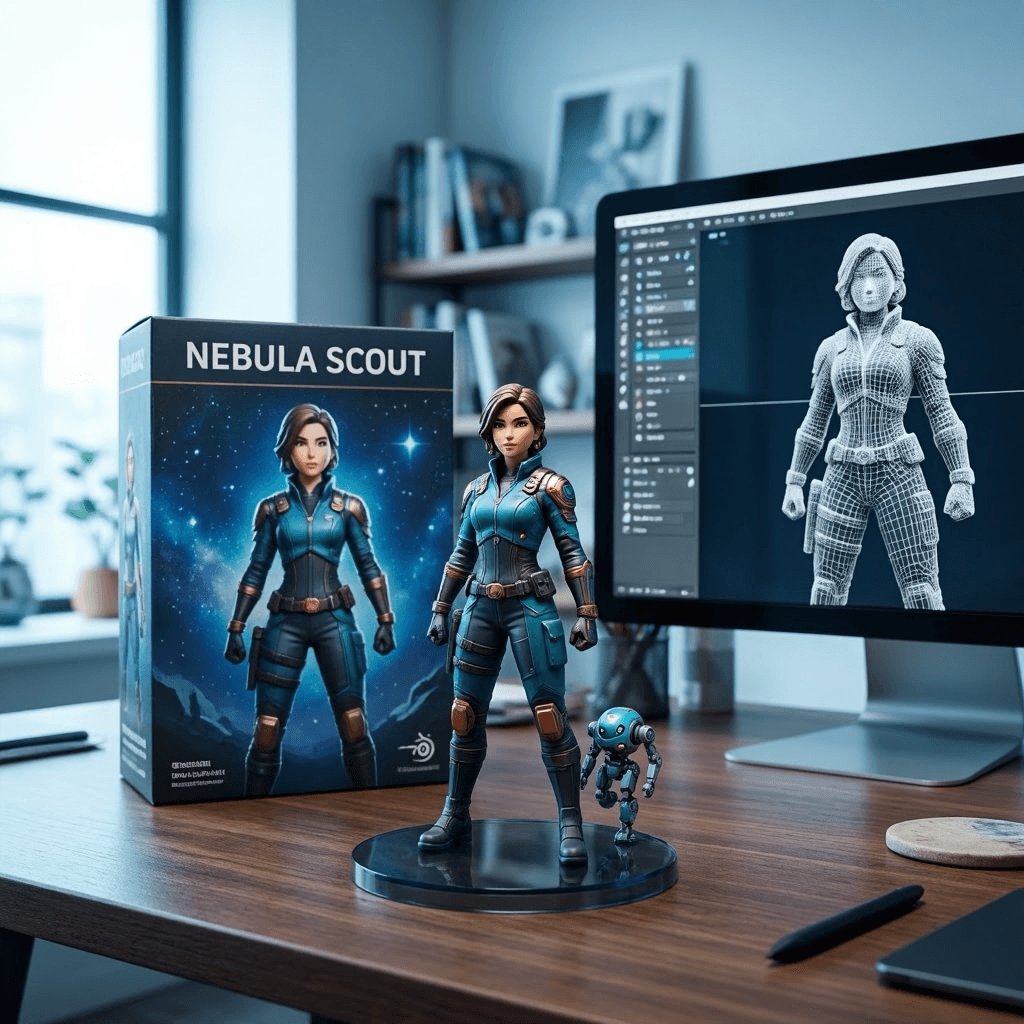
Prompt: cinematic street portrait
A prompt that asks for a neon-lit portrait, realistic shadows, and a sense of motion.
Turn short briefs into cinematic portraits, clean product visuals, and prompt-driven compositions. Try the generator free online and start from a curated set of models and styles.
Examples
Use these as starting points for portraits, scenes, posters, and product concepts.
A prompt that asks for a neon-lit portrait, realistic shadows, and a sense of motion.
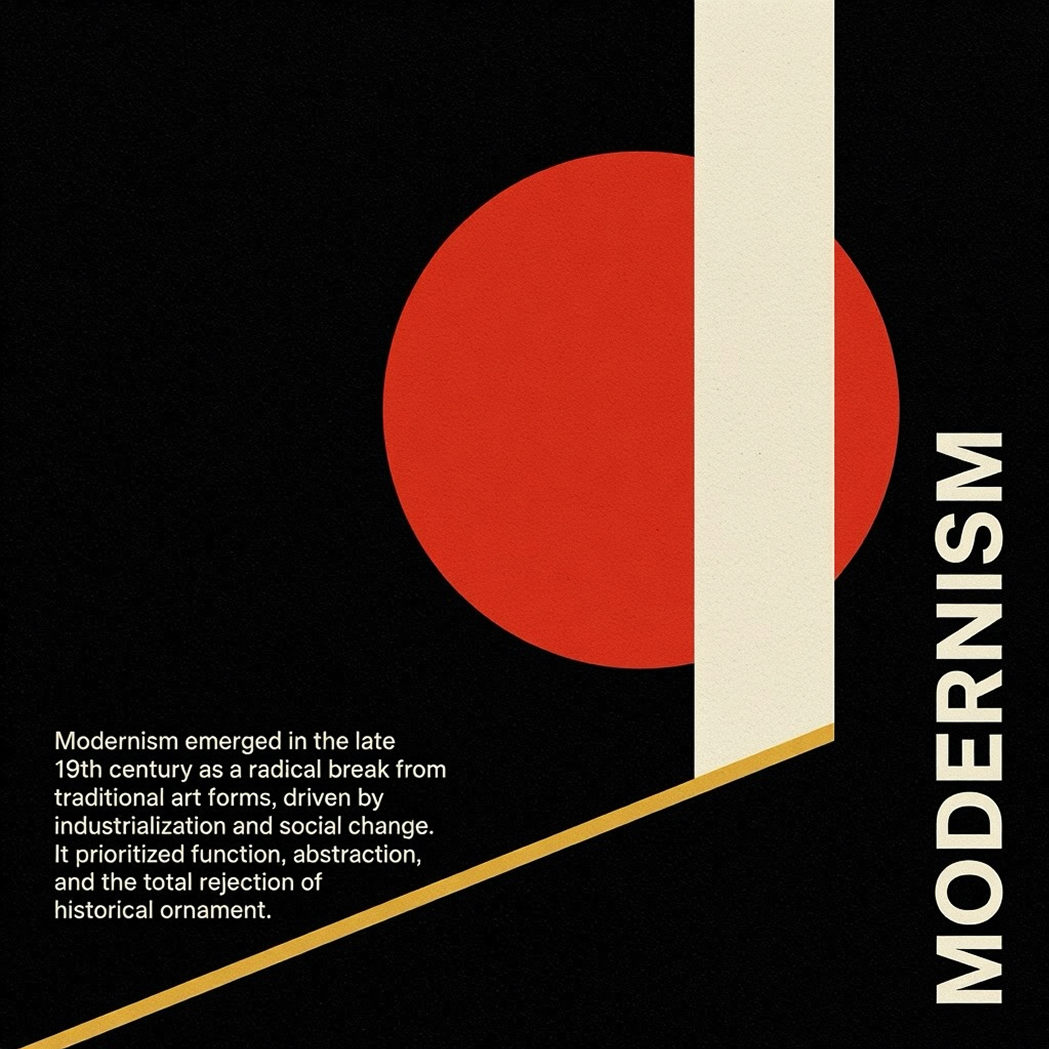
Use this format when the image needs headline text, hierarchy, and a strong layout.
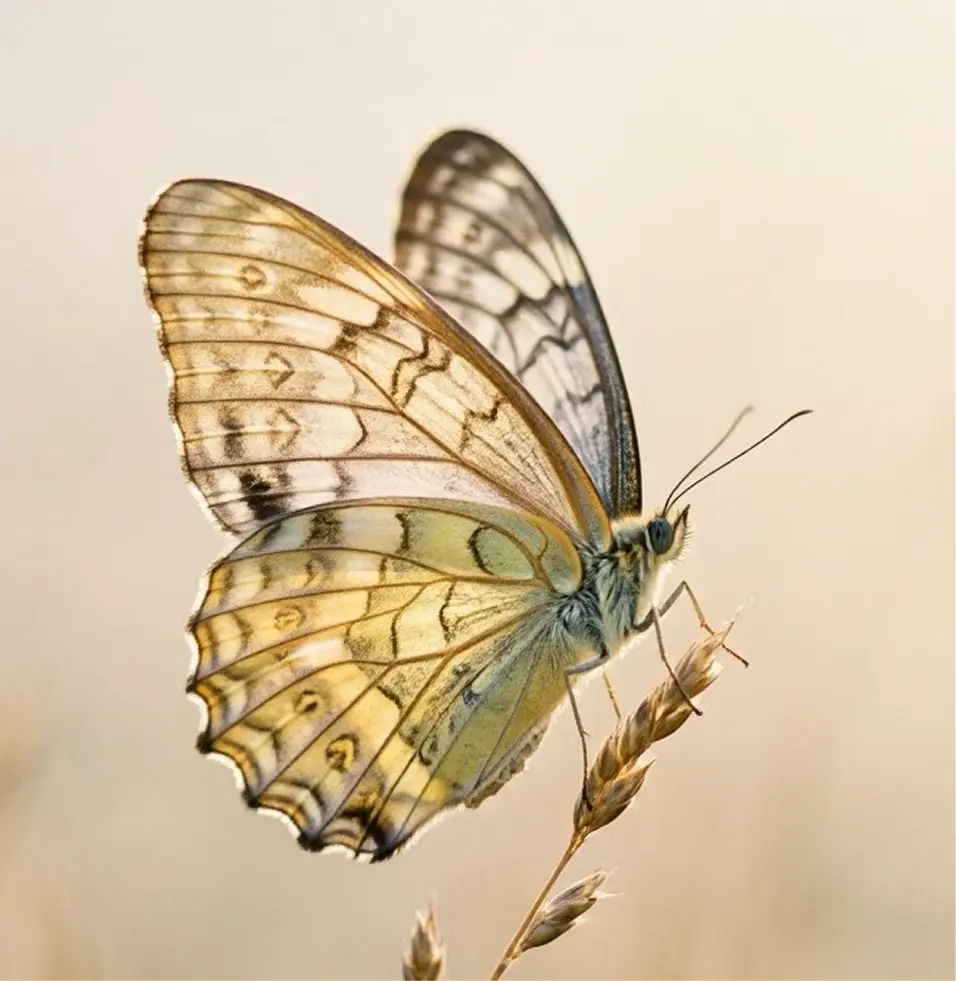
Good for ornate scenes, layered textures, and close-up detail without losing structure.
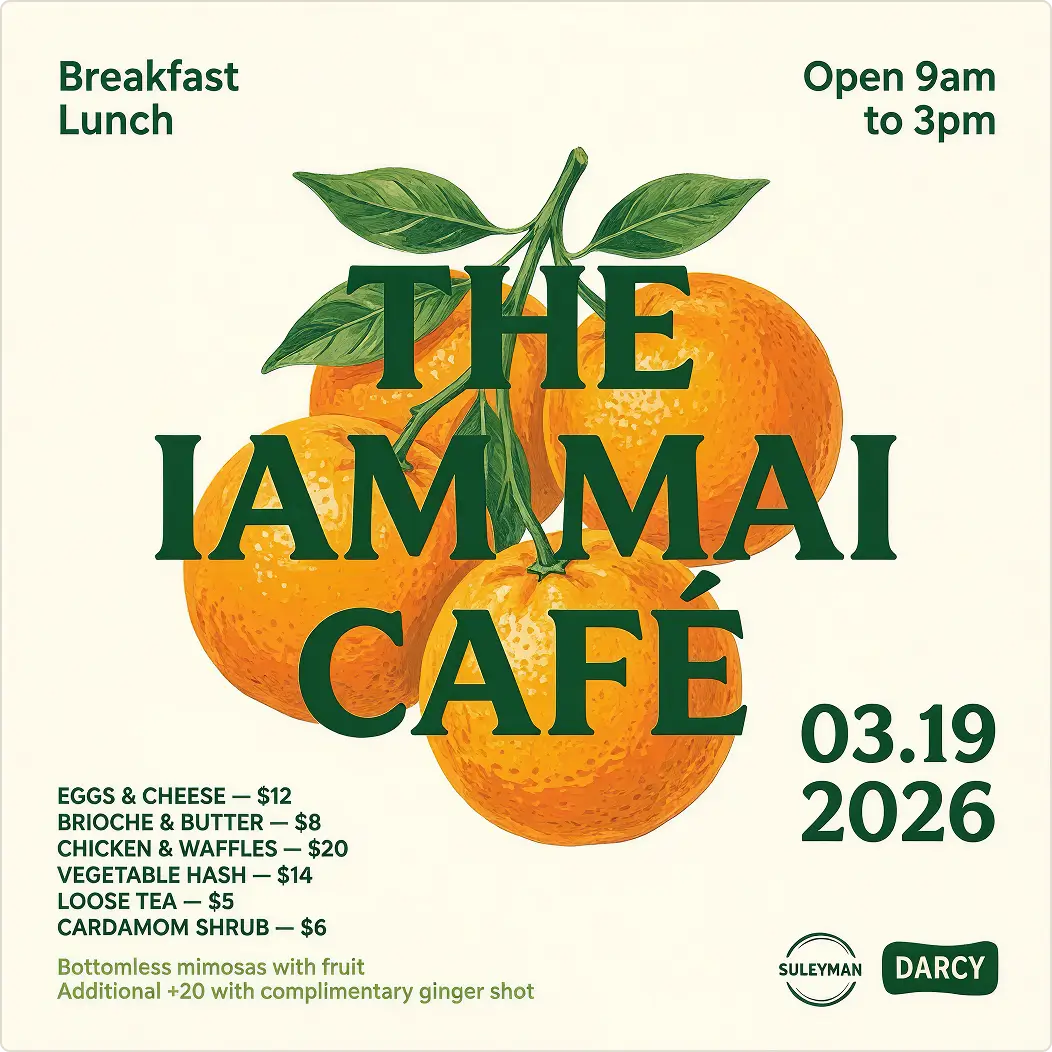
Ideal for landing pages, ad variants, and quick creative tests with a polished finish.
Definition
Text to image turns a written prompt into a generated image. The model interprets your subject, style, lighting, and layout, then produces a visual result that follows the brief.
Text to image generation starts with language and ends with a visual asset. The prompt tells the model what to draw, how it should feel, and how the composition should be framed.
That makes it useful for marketing images, concept art, social content, posters, product scenes, and any workflow where you want a fast image draft before polish or production.
On this page, the emphasis is practical: create free online previews, test ideas quickly, and move from prompt to output without a complicated setup.
Start with the subject, mood, camera angle, lighting, and any text that needs to appear in the image.
The model turns the language into visual structure, blending realism, detail, and composition.
Review the result, refine the prompt, and keep iterating until the output matches your goal.
Why MAI
Built for clarity, realism, and better prompt control.
Generate clean, believable images with strong light handling, natural texture, and polished presentation.
Useful when the image needs readable on-image text, structured layouts, or poster-style hierarchy.
Guide subject, framing, and style with prompts that keep the output intentional instead of generic.
Test ideas quickly, compare directions, and move from prompt to image without a heavy workflow.
Where this generator fits in practice
Create posters, flyers, and social graphics with clear visual hierarchy and on-image typography.
Produce brand visuals, campaign concepts, and thumbnail ideas that look polished and on-message.
Generate slides, diagrams, and explanatory visuals with text that feels usable in business workflows.
Turn abstract directions into cinematic scenes, character concepts, and richer visual narratives.
Workflow
A simple workflow that keeps the path from prompt to output short and predictable.
Start with the subject, scene, style, camera angle, lighting, and any text that should appear inside the image.
Pick the variant that best matches your creative goal, then adjust the available controls.
Create the image, inspect the result, and decide whether the composition or tone needs another pass.
Tighten the prompt, regenerate if needed, and use the final image in your project or draft workflow.
Prompt tips
Small changes to the prompt usually produce a much better image. Be specific about style, structure, and what should stay visible.
Name the main subject first so the model understands what the image should center on.
A cinematic portrait of a founder in soft window light, 85mm lens look, neutral background, realistic skin texture.
Mention framing, angle, and background so the output feels designed instead of accidental.
A premium product mockup on a stone pedestal, studio lighting, soft shadow, editorial composition, clean background.
If you need words inside the image, say where they belong and how readable they should be.
A poster for a launch event with bold readable typography, strong hierarchy, warm gradient lighting, centered composition.
Add one or two style references, but keep the prompt focused on the final visual outcome.
A travel-inspired landscape at golden hour, dramatic scale, mist in the distance, detailed foreground texture.
FAQ
Direct answers about the free online text to image experience and how to get good results.
Related pages
Continue into adjacent pages if you want image editing, analysis, or a different generation workflow.
Use a reference image and turn it into a new visual direction.
Explore editing and utility pages around the core generator.
Turn an image into a useful description or prompt.
Move from prompts into motion when you want a video workflow.
Free online preview
Use this generator to test prompts, compare ideas, and create polished image drafts for creative or commercial workflows.